Kenya’s mobile money wallets have been able to talk to each other for several years now. You can send from M-Pesa to Airtel Money, from Airtel Money to M-Pesa, and to Telkom’s T-Kash, all without visiting an agent. Here is how each direction works and what you pay.
From M-Pesa to Airtel Money or T-Kash
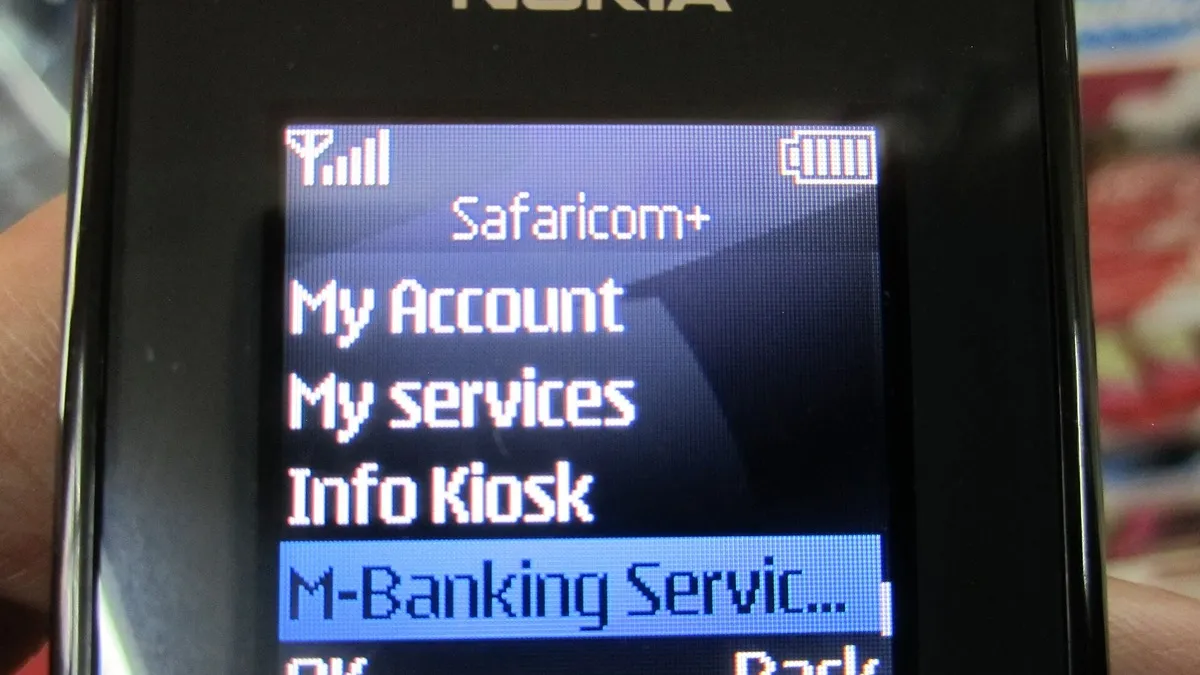
- Open the M-Pesa menu on your SIM toolkit, dial *334#, or use the M-Pesa app.
- Go to Send Money.
- Choose the option to send to other networks and pick the network.
- Enter the phone number, amount and your M-Pesa PIN.
Safaricom charges the same fee whether you send to an M-Pesa user or to another network.
| Amount (KSh) | M-Pesa fee (KSh) |
|---|---|
| 1 to 49 | Free |
| 50 to 100 | Free |
| 101 to 500 | 7 |
| 501 to 1,000 | 13 |
| 1,001 to 1,500 | 23 |
| 1,501 to 2,500 | 33 |
| 2,501 to 3,500 | 53 |
| 3,501 to 5,000 | 57 |
| 5,001 to 7,500 | 78 |
| 7,501 to 10,000 | 90 |
| 10,001 to 15,000 | 100 |
| 15,001 to 20,000 | 105 |
| 20,001 to 250,000 | 108 |
From Airtel Money to M-Pesa or T-Kash
- Dial *334# on your Airtel line or open the My Airtel app.
- Choose Send Money, then the option for other networks.
- Pick the network, enter the number, amount and PIN.
Airtel’s cross-network fees match Safaricom’s from KSh 101 upwards. Airtel does not list a cross-network fee for KSh 100 and below, so send at least KSh 101.

From T-Kash to other networks
T-Kash also supports sending to M-Pesa and Airtel Money from its menu. Telkom sets its own fees, so check the charge on your confirmation screen before you complete the transfer.
Fee calculator
Tips that save money
- Stay on one network where you can. Airtel to Airtel is free at every amount, and M-Pesa to M-Pesa is free up to KSh 100.
- Do not withdraw and redeposit. Pulling cash out of one wallet and depositing it into another costs you a withdrawal fee, which is often higher than a direct cross-network send.
- Watch the limits. All wallets are capped at KSh 250,000 per transaction and KSh 500,000 a day, and the receiving wallet cannot go above a KSh 500,000 balance.
Read the full M-Pesa vs Airtel Money comparison for coverage and which wallet suits which job.