Technology

Fuliza Limit Stuck? How Safaricom Says You Can Raise It

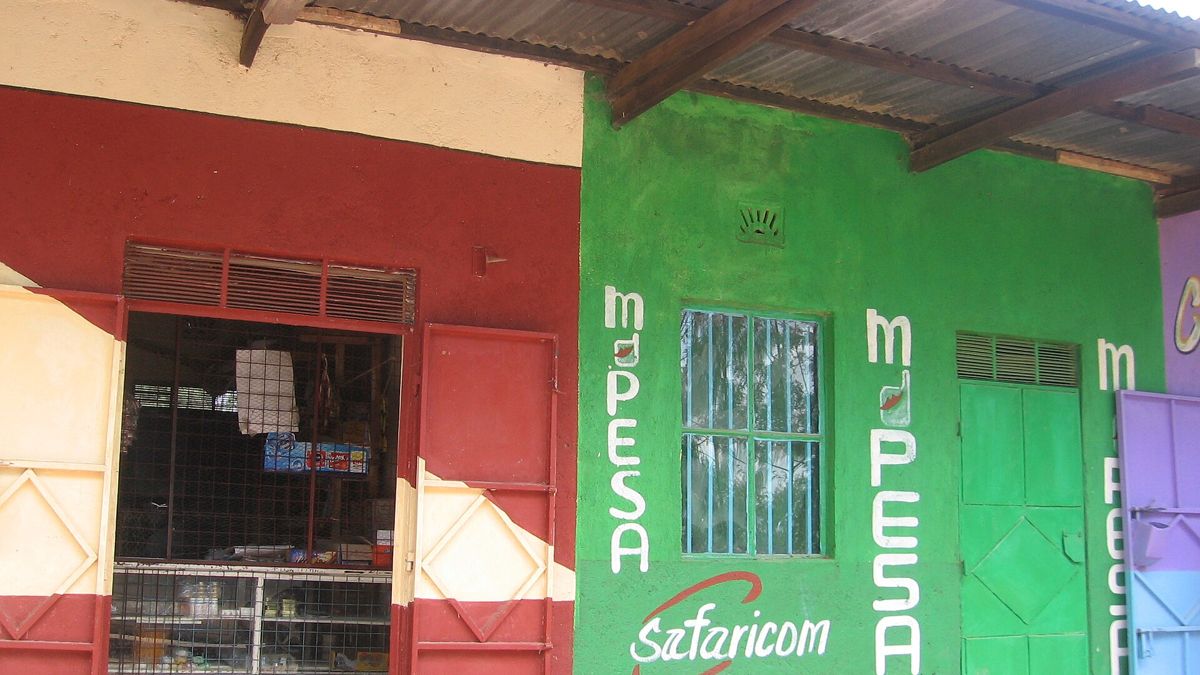
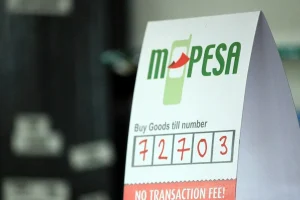
Safaricom M-Pesa shopfront in Kenya – fuliza limit
Safaricom M-Pesa shopfront in Kenya. Photo:

Many people ask why their Fuliza limit has not moved in years.
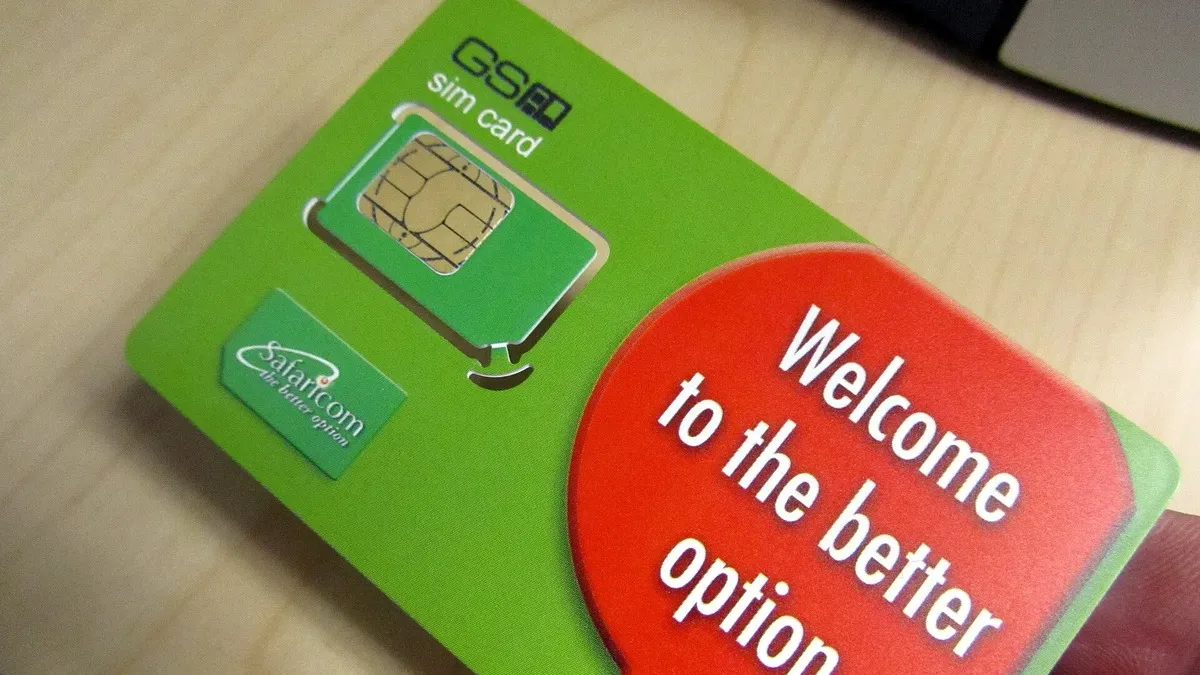
Safaricom SIM card pack in a hand – illustrating fuliza limit
Safaricom SIM card pack in a hand. Photo: Bill Maurer. Uploaded to Flickr by Institute for Money, Technology and Financial / CC BY-SA 2.0 via Wikimedia Commons

Based on questions people sent to Safaricom’s official X account (@Safaricom_Care) and Safaricom’s own replies, checked on 14 October 2026. Questions are paraphrased.

Refresh your limit

Safaricom says you can refresh your Fuliza limit once a month: dial *334# > Fuliza M-PESA > Refresh My Limit. To qualify, you need a good CRB history and must not be in default on another loan.

Raising it

Safaricom’s advice is to keep using its services regularly and keep a good repayment record. It does not publish the formula.

Fuliza Biashara repayments from a till

Dial *234# > M-PESA Business Till > enter store number > Fuliza Biashara > Pay Loan.

Frequently asked questions

How do I increase my Fuliza limit?

Safaricom says use its services regularly, repay well, and refresh the limit once a month via *334#.

Why can’t I get Fuliza at all?

Safaricom says you need a good CRB history and must not be in default on another loan.

Related: Safaricom help hub

Sources: Safaricom on X, Safaricom on X, 12 Oct 2026, Safaricom on X, 9 Oct 2026. Last updated October 2026.

Norah Waceke

About Author

Norah Waceke is a business journalist and editor at Business Radar with more than eight years of experience covering Kenya's economy, companies and markets. She previously worked at Kenyans.co.ke, one of the country's leading digital news platforms, where she reported on business, finance and current affairs. A graduate of Multimedia University of Kenya, Norah focuses on clear, accurate reporting that helps readers understand the money stories shaping their lives and businesses.

Related stories

M-Pesa's Jumbe receipt lets you prove payment without showing your balance
Lifestyle Technology

M-Pesa’s Jumbe receipt lets you prove payment without showing your balance

Safaricom's Jumbe split notification sends a second SMS that confirms a till payment without revealing your M-Pesa balance. Here is
Safaricom and Pesapal bring dynamic QR and tap-to-pay M-Pesa to shop tills
Business Technology

Safaricom and Pesapal bring dynamic QR and tap-to-pay M-Pesa to shop tills

Safaricom and Pesapal have rolled out Dynamic Scan-to-Pay and Tap-to-Pay on Pesapal POS devices, plus an AI Pay feature that