Technology

How to Set Up M-PESA Bill Manager for Your School

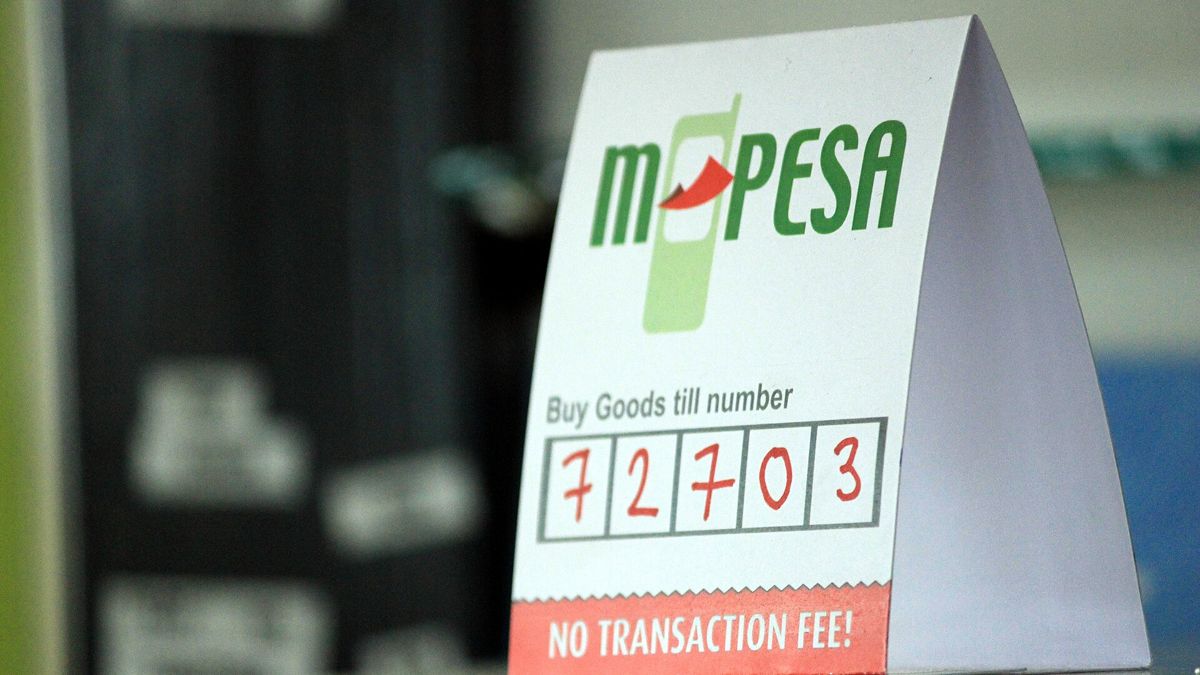
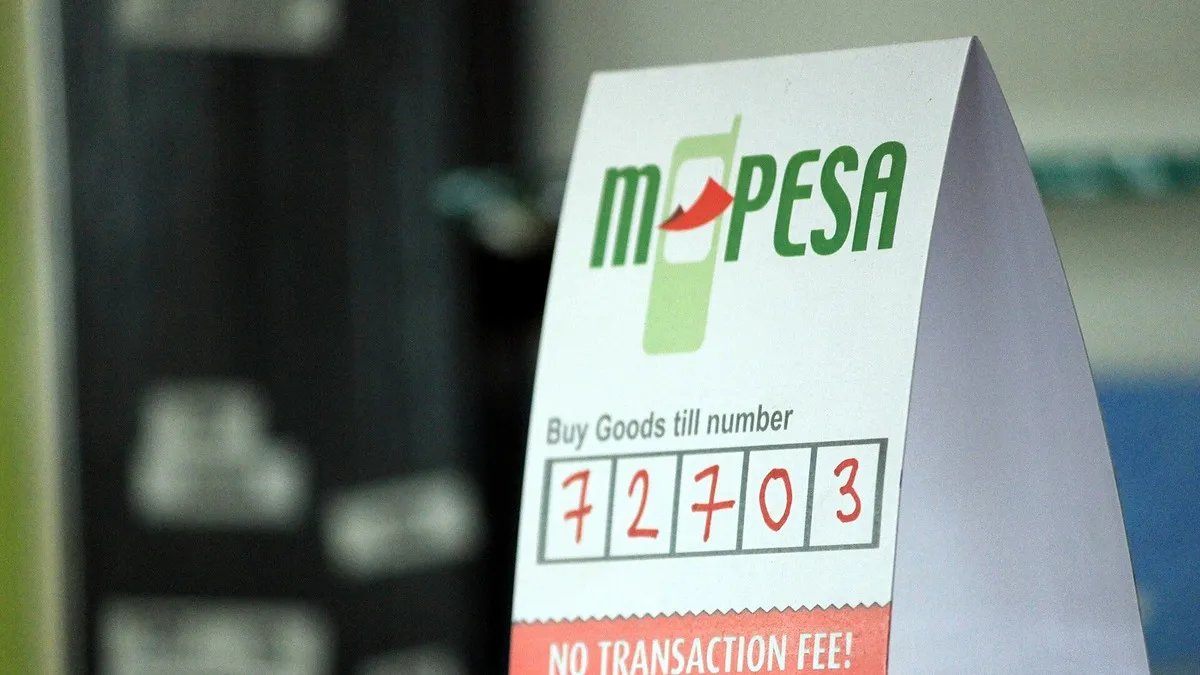
M-Pesa Buy Goods till number sign on a shop counter – m-pesa bill manager for schools
M-Pesa Buy Goods till number sign on a shop counter. Photo: Raidarmax / CC BY-SA 3.0 via Wikimedia Commons

M-PESA Bill Manager is Safaricom’s invoicing tool for Paybill holders. Schools use it to send fee invoices, remind parents and reconcile payments automatically.

M-Pesa and bank agent shop in Nairobi – illustrating m-pesa bill manager for schools
M-Pesa and bank agent shop in Nairobi. Photo: <a href=”//commons.wikimedia.org/w/index.php?title=User:Simivic&action=edit&redl / CC BY-SA 4.0 via Wikimedia Commons

What it does

  • Create and send fee invoices to parents by SMS.
  • Send automatic reminders.
  • Receive M-PESA payments in real time against invoices.
  • Record other payments and generate reports.
  • Parents can view and pay bills via *413#.

How to register

  1. The school’s M-PESA Business Administrator opens M-PESA Bill Manager registration page.
  2. Select School and the school type.
  3. Enter the active Paybill number and the administrator’s and finance contact’s details.
  4. Verify with the OTP sent by SMS, complete the profile and set a password.
  5. Invite other users (bursar, accounts clerk) and assign roles.

Tips

Use each learner’s admission number as the account number so payments match automatically. Upload parents’ numbers in bulk at the start of term.

Frequently asked questions

How do parents pay?

Through the SMS invoice, the M-PESA menu or *413#.

Who can register?

The M-PESA Business Administrator of an active Paybill.

Related: Safaricom help hub

Sources: Safaricom, M-PESA Bill Manager registration page. Last updated October 2026.

Norah Waceke

About Author

Norah Waceke is a business journalist and editor at Business Radar with more than eight years of experience covering Kenya's economy, companies and markets. She previously worked at Kenyans.co.ke, one of the country's leading digital news platforms, where she reported on business, finance and current affairs. A graduate of Multimedia University of Kenya, Norah focuses on clear, accurate reporting that helps readers understand the money stories shaping their lives and businesses.

Related stories

M-Pesa's Jumbe receipt lets you prove payment without showing your balance
Lifestyle Technology

M-Pesa’s Jumbe receipt lets you prove payment without showing your balance

Safaricom's Jumbe split notification sends a second SMS that confirms a till payment without revealing your M-Pesa balance. Here is
Safaricom and Pesapal bring dynamic QR and tap-to-pay M-Pesa to shop tills
Business Technology

Safaricom and Pesapal bring dynamic QR and tap-to-pay M-Pesa to shop tills

Safaricom and Pesapal have rolled out Dynamic Scan-to-Pay and Tap-to-Pay on Pesapal POS devices, plus an AI Pay feature that