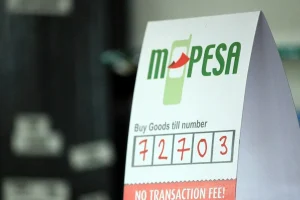
KUCCPS application fees are paid through eCitizen. Most “not reflecting” cases come from entering the wrong reference.
What to do
- Do not pay again.
- Keep the M-PESA confirmation SMS.
- Use the eCitizen payment reference / account number shown for the bill – not the M-PESA transaction code – when completing or verifying the application.
- Wait a short while and refresh the KUCCPS portal.
- If it still does not show, contact KUCCPS through its official channels with the full SMS details.
Prevent it next time
Pay from the payment page generated on the KUCCPS portal, copy the bill reference exactly, and screenshot the confirmation.
Frequently asked questions
I paid for KUCCPS but it is not showing. Should I pay again?
No. Keep the SMS and use the eCitizen reference number; contact KUCCPS if it still does not reflect.
Which number do I enter, the M-PESA code or the eCitizen reference?
The eCitizen reference/account number, as reported by KUCCPS guidance.
Related: HELB hub