Mobile Money

How to Check Your Fuliza Balance and Limit

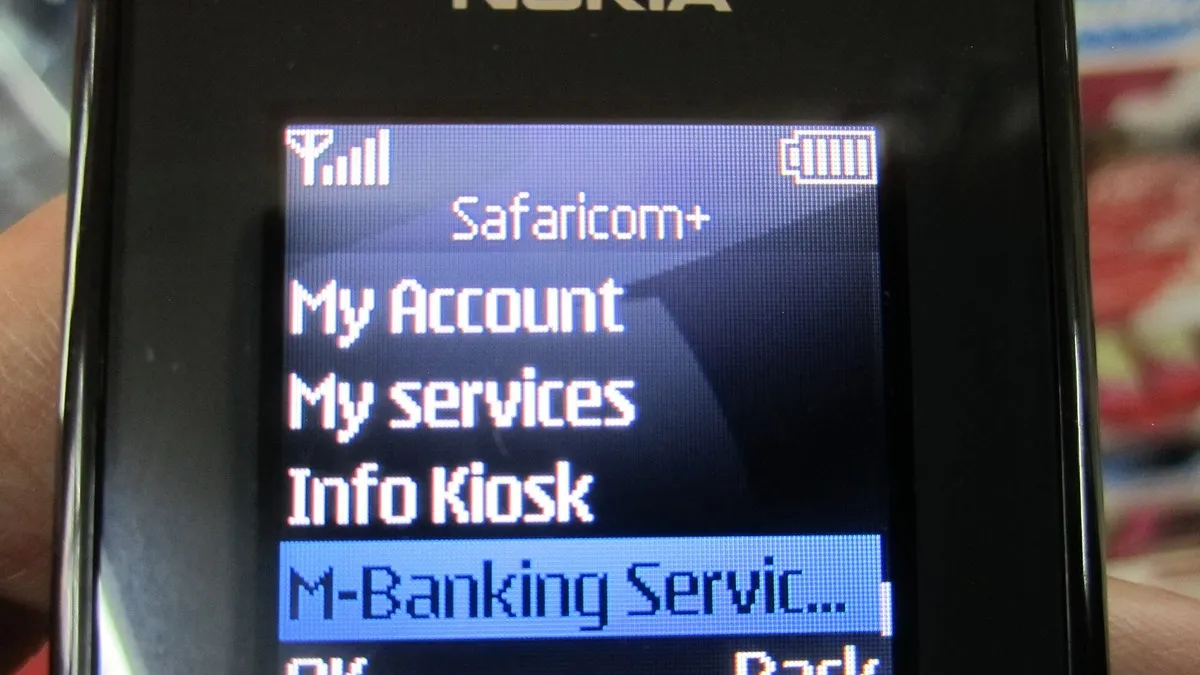
Safaricom menu on a feature phone screen – How to Check Your Fuliza Balance and Limit
Safaricom menu on a feature phone screen. Photo: Ivan Small / CC BY-SA 2.0 via Wikimedia Commons

Before you lean on Fuliza, it helps to know two numbers: how much you already owe and how much more you can borrow. Both take a few seconds to check.

Using USSD

  1. Dial *334# on your Safaricom line.
  2. Choose Fuliza M-Pesa.
  3. Select Query or the balance option.
  4. Enter your M-Pesa PIN.

You will get an SMS showing your outstanding Fuliza amount and your current limit.

Using the M-Pesa or My Safaricom app

Open the app, go to the Fuliza section under loans or financial services, and your limit and balance show on screen.
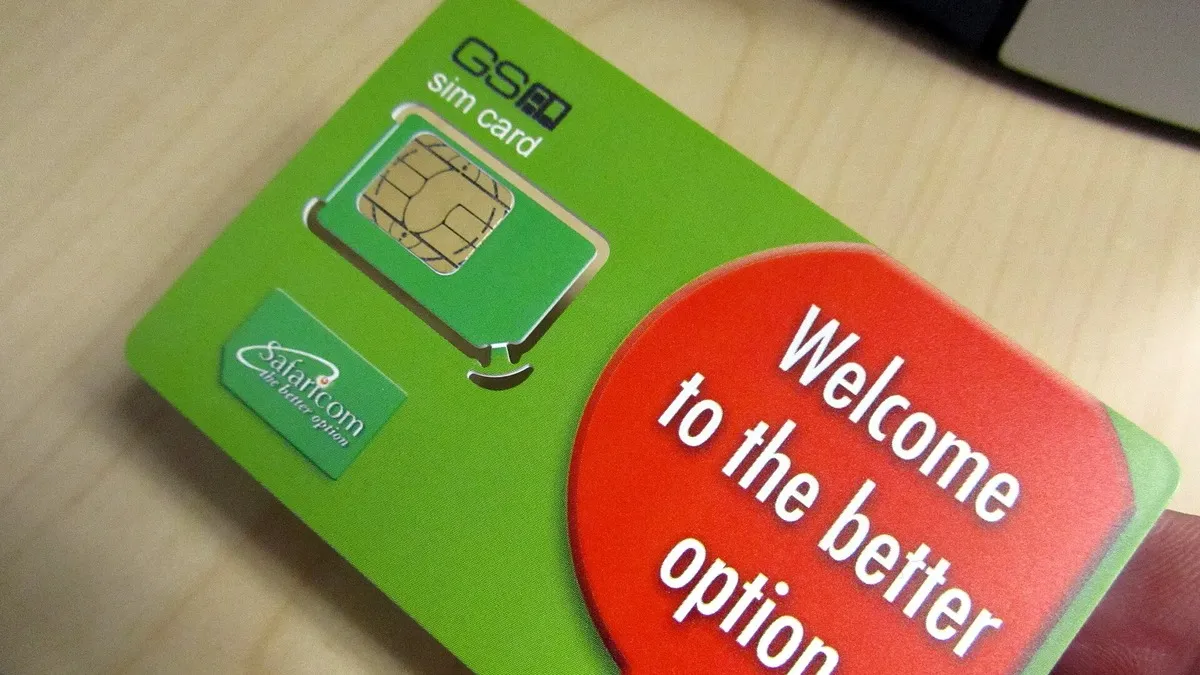
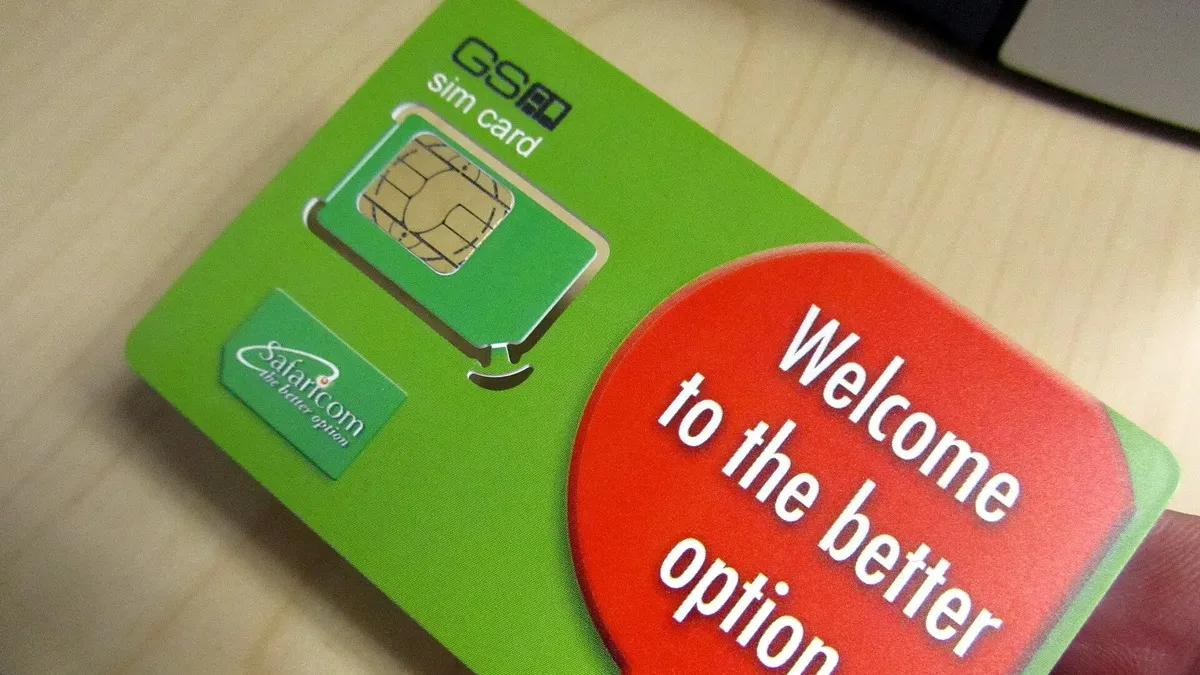
Safaricom SIM card pack in a hand – illustrating How to Check Your Fuliza Balance and Limit
Safaricom SIM card pack in a hand. Photo: Bill Maurer. Uploaded to Flickr by Institute for Money, Technology and Financial / CC BY-SA 2.0 via Wikimedia Commons

From your SIM menu

On phones with the Safaricom SIM toolkit, open M-Pesa, go to Loans and Savings, then Fuliza M-Pesa, and choose the query option.

Why check often

Fuliza charges a daily fee on any unpaid balance from midnight the day after you borrow. Knowing your balance tells you how much to deposit to clear it before more days are charged.

Outstanding balance (KSh) Daily fee (KSh) Excise 20% (KSh) Total per day (KSh)
1 to 100 0 0 0
101 to 500 Free for 3 days, then 2.50 0.50 3.00
501 to 1,000 Free for 3 days, then 5 1.00 6.00
1,001 to 1,500 18 3.60 21.60
1,501 to 2,500 20 4.00 24.00
2,501 to 70,000 25 5.00 30.00
Fuliza cost calculator

Uses Safaricom's published Fuliza tariff: 1% access fee plus a daily fee with 20% excise duty, assuming the balance stays the same until you repay. Your actual charges show on *334#.

See the full Fuliza charges guide for worked examples.
About Author

Norah Waceke is a business journalist and editor at Business Radar with more than eight years of experience covering Kenya's economy, companies and markets. She previously worked at Kenyans.co.ke, one of the country's leading digital news platforms, where she reported on business, finance and current affairs. A graduate of Multimedia University of Kenya, Norah focuses on clear, accurate reporting that helps readers understand the money stories shaping their lives and businesses.

More from Norah Waceke · Editorial policy

Related stories

M-Pesa Buy Goods till number sign on a shop counter – M-Pesa vs Airtel Money in Kenya: Charges, Limits and Coverage (2026)
Mobile Money

M-Pesa vs Airtel Money in Kenya: Charges, Limits and Coverage (2026)

If you keep both a Safaricom and an Airtel line, you have probably wondered which wallet is cheaper to use.
Safaricom SIM card pack in a hand – Sending Money from Airtel Money to M-Pesa: Steps and Charges (2026)
Mobile Money

Sending Money from Airtel Money to M-Pesa: Steps and Charges (2026)

A lot of people keep an Airtel line for cheap calls and data but still need to pay someone who