Updated 19 October 2026
An M-Pesa Business Till gives your shop a dedicated number customers use to pay through Lipa na M-Pesa Buy Goods. It looks more professional than a personal number, keeps business money separate and gives you tools to manage collections and payments. You can apply online or at a Safaricom shop. This guide explains both routes, the documents for each type of business, what happens after approval and how to set up for success from day one.
Two Ways to Apply
- Online through Safaricom’s M-Pesa for Business portal, which has a self onboarding option where you fill in details and upload documents.
- In person by taking the signed application form and documents to a Safaricom shop.
The online route saves a trip, while the shop route helps if you want someone to check your documents on the spot.
Documents You Need
| Applicant | Typical documents |
|---|---|
| Individual or sole trader | Signed application form, National ID, a Safaricom line registered for M-Pesa, KRA PIN where requested |
| Registered business | Business registration certificate or permit, KRA PIN, owners’ IDs |
| Limited company | Certificate of incorporation, board resolution, company KRA PIN, directors’ IDs, AML and KYC questionnaire |
Have clear scans or photos ready if applying online. Blurry documents are the most common reason applications are delayed.
Step by Step: Applying Online
- Go to the M-Pesa for Business portal and choose the option to apply for a till.
- Select your business type: individual, registered business or limited company.
- Fill in your business name, location, contact details and the Safaricom number to link.
- Upload the required documents.
- Review and submit. Note the reference number.
- Respond quickly if Safaricom contacts you for more information.
Step by Step: Applying at a Safaricom Shop
- Download or collect the application form and fill it in.
- Sign it and attach copies of your documents, bringing originals for verification.
- Submit at a Safaricom shop and keep the receipt or reference.
Use a business name customers recognise, since it appears on their confirmation screen.
After Approval
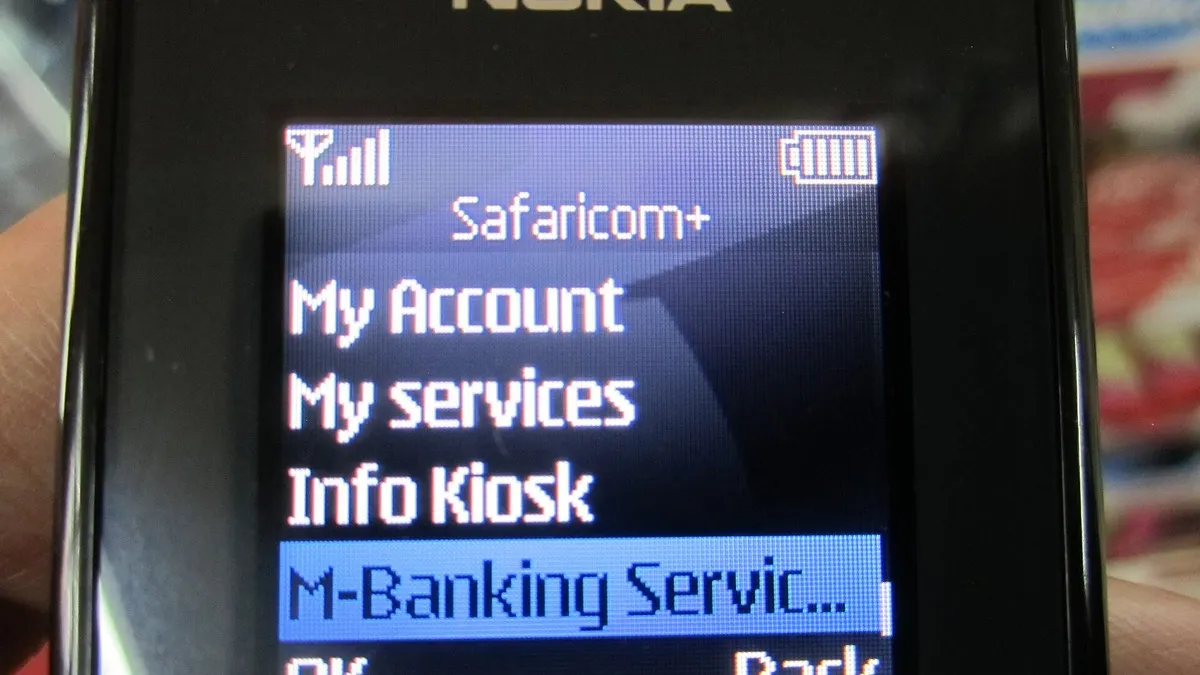
Safaricom sends your till details by SMS, including the till number and instructions for setting up your operator PIN or the M-Pesa Business App. Then:
- Set up your till PIN and any operator accounts for staff.
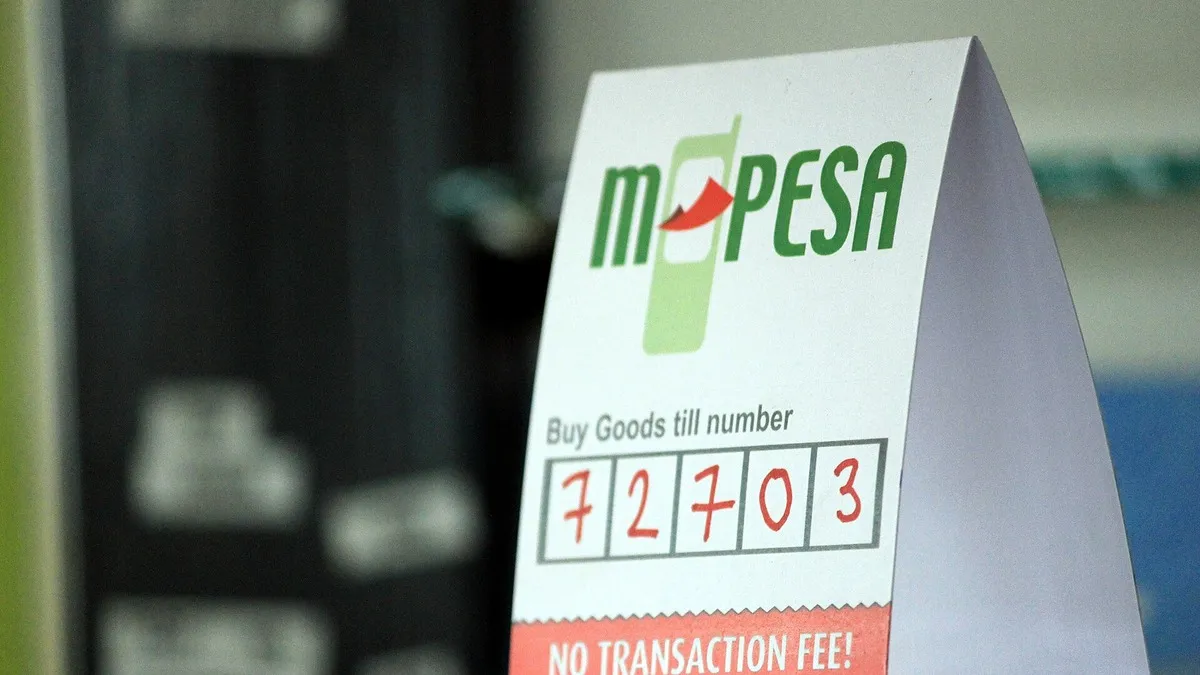
- Print and display the till number clearly at the counter, with your business name.
- Make a small test payment to confirm everything works.
- Download the M-Pesa Business App to track collections.
Fees
| Item | Charge |
|---|---|
| Customer paying a Buy Goods till | Free in normal use |
| Merchant, collections up to KSh 500 | Free |
| Merchant, collections above KSh 500 | 0.55%, capped at KSh 200 |
| Business Till paying another till | 0.27%, capped at KSh 200 |
Full details are in our Lipa na M-Pesa Buy Goods charges guide on Business Radar.
Tips for New Till Owners
- Train staff to check customers’ confirmation messages and your till balance before releasing goods.
- Beware of fake confirmation SMS. Always verify on your own till or app.
- Keep business and personal money apart. Pay yourself a set amount instead of withdrawing randomly.
- Use statements to track sales and support future loan applications. Till owners can access products such as Taasi Till Loans and Fuliza Biashara after meeting activity requirements.
Common Reasons Applications Are Delayed
- Names on documents do not match the name on the M-Pesa line.
- Missing KRA PIN for registered businesses and companies.
- Unclear or cropped document scans.
- A missing board resolution for limited companies.
Checking these before you submit can save days.
Till or Something Else?
If you are very small or just testing a business idea, Pochi la Biashara may be enough. If you need customers to pay with account numbers, such as a school or landlord, a paybill fits better. Our Pochi, till or paybill comparison explains the differences.
Growing and need staff? Post jobs or find workers on JobinKenya.
Frequently Asked Questions
How long does till approval take?
It varies with how complete your documents are. Complete applications are processed faster.
Is there a fee to apply for a till?
Safaricom does not usually charge an application fee for a standard till. Merchant fees apply on collections above KSh 500.
Can an individual without a registered business get a till?
Yes. Sole traders can apply with an ID and a registered M-Pesa line.
Can I have more than one till?
Businesses with several branches can apply for store numbers under one organisation.
How do I withdraw money from my till?
Through the till menu or M-Pesa Business App, to your M-Pesa, bank or at an agent, depending on your setup.
Prefer WhatsApp? Follow Business Radar on WhatsApp
Weekly, free. We only use your email for this newsletter and you can unsubscribe in one click. Privacy policy.