Quick answer
To create a Shopify store in Kenya, sign up on shopify.com, set the currency to KES, add products and shipping zones, then connect M-Pesa through the IntaSend or Pesapal app because Shopify Payments is not available. Basic costs $29 a month billed yearly, and Shopify adds 2% per sale on third-party gateways.
Updated 19 October 2026
Shopify lets you build a full online shop without writing code, and plenty of Kenyan sellers of fashion, cosmetics, electronics and home goods use it. The catch is payments: Shopify’s own payment system does not work in Kenya, so you have to connect a local gateway that can take M-Pesa and cards. This guide walks through the whole setup, what it costs in Kenya shillings, and the mistakes that trip up first-time store owners.
Prices below come from Shopify’s pricing page and the published rate cards of IntaSend, checked on 19 October 2026. Shopify bills in US dollars, so the shilling figures use the Central Bank of Kenya rate of about KSh 129.8 to the dollar on 15 October 2026 and will move with the exchange rate.
In this guide
What You Need Before You Start
- A business name and registration. You can open a Shopify account as an individual, but Kenyan payment gateways ask for business documents before they release your money. Reserve and register your name first; our guide on checking and reserving a business name on eCitizen covers the steps.
- Your KRA PIN and ID. Gateways use these for verification, and you will need them for tax compliance once sales start. If you sell to other businesses, read up on KRA eTIMS invoicing.
- A bank account or M-Pesa number for settlement. This is where the gateway pays out your sales.
- A dollar card for the Shopify subscription. Shopify charges your plan to a Visa or Mastercard. Many Kenyan debit cards work for online dollar payments, but confirm with your bank that international card payments are switched on.
- Product photos, prices and delivery plans. Decide your delivery zones and fees before launch, because Shopify will ask for shipping rates at checkout setup.
Shopify Plans and What They Cost in Kenya
New accounts get a free three-day trial with no card needed. After that, Shopify was offering most plans at $1 a month for the first three months at the time of writing, before standard pricing applies.
| Plan | Billed yearly (per month) | Billed monthly | Yearly price in KSh (per month) | Extra fee when you use a non-Shopify gateway |
|---|---|---|---|---|
| Basic | $29 | $39 | About KSh 3,760 | 2% |
| Grow | $79 | $105 | About KSh 10,250 | 1% |
| Advanced | $299 | $399 | About KSh 38,810 | 0.6% |
The last column matters most for Kenyan sellers. Because Shopify Payments is not available here, Shopify adds its own fee on every sale you collect through a third-party gateway such as IntaSend or Pesapal. That fee sits on top of whatever the gateway charges. For a small store, the Basic plan is usually enough; the Grow plan only makes sense once your monthly sales are high enough that the 1% saving on fees covers the bigger subscription.
How to Create Your Shopify Store, Step by Step
- Sign up. Go to shopify.com, choose to start for free and enter your email. Answer the short questions about what you sell and pick Kenya as your country so the store uses Kenya shillings.
- Set the currency and store details. In Settings, confirm the store currency is KES, add your business address and a customer support email and phone number. Customers trust a store that shows a real Kenyan contact.
- Pick a theme. Under Online Store, then Themes, start with one of the free themes. They load quickly on phones, which is how most Kenyan shoppers will visit. Add your logo, colours and a clear banner that says what you sell and where you deliver.
- Add products. For each item, upload clear photos, write a description in plain language, set the price in KSh and track stock. Group items into collections such as “Dresses” or “Phone accessories” so the menu is easy to browse.
- Set up shipping. In Settings, then Shipping and delivery, create zones such as Nairobi CBD, greater Nairobi and upcountry, each with its own fee. You can also offer local pickup if you have a shop or collection point.
- Connect M-Pesa and card payments. This is the step covered in detail below.
- Add policies and pages. Shopify can generate refund, privacy and terms pages for you to edit. Add an About page and a Contact page with your WhatsApp number.
- Connect a domain. Your store starts on a myshopify.com address. You can buy a domain through Shopify or connect a .co.ke domain you already own from a Kenyan registrar.
- Place a test order, then launch. Remove the store password under Online Store, then Preferences, only after a test order has gone all the way through.
How to Accept M-Pesa on Shopify
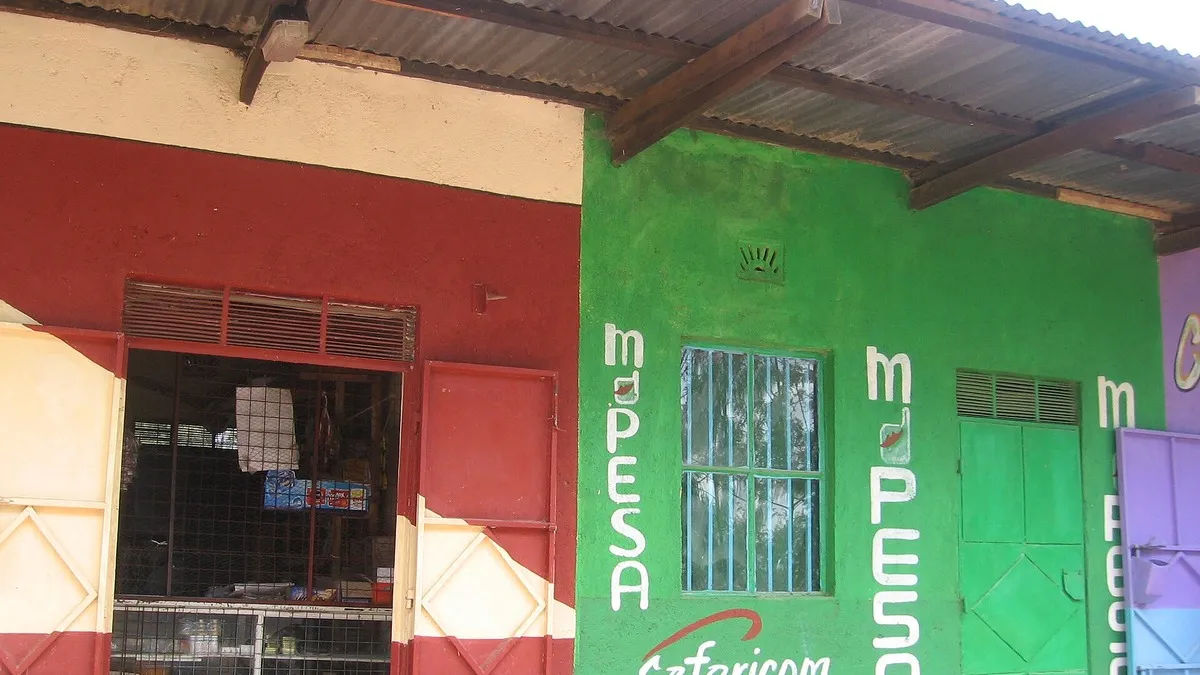
Two Kenyan gateways have official Shopify apps: IntaSend Payments and Pesapal Payments. Both take M-Pesa through an STK push (the customer gets a prompt on their phone to enter their PIN) as well as Visa and Mastercard.
Option 1: IntaSend
- Create and verify a business account on IntaSend.
- In the Shopify App Store, find IntaSend Payments and install it. The app is free to install.
- When asked, enter the phone number you use to log in to IntaSend, your publishable key and an API token. You find both under your IntaSend business settings, in the API Keys section. The token is shown only once, so copy it straight into Shopify.
- Back in Shopify, activate the gateway so it shows at checkout.
IntaSend’s published rates are 3% on M-Pesa collections, 3.5% on local cards and 4.5% on international cards, with a flat KSh 100 fee to withdraw to M-Pesa.
Option 2: Pesapal
- Open a Pesapal business account for online payments. Pesapal emails you a consumer key and a consumer secret, and you can resend them from the API Credentials section of your dashboard.
- Install the Pesapal Payments app from the Shopify App Store and paste in the key and secret.
- Activate it under Settings, then Payments.
Pesapal does not publish a public rate card, so ask for your M-Pesa and card rates in writing before you integrate.
What a sale really costs you
Take a KSh 2,000 order paid by M-Pesa on the Basic plan through IntaSend. IntaSend keeps 3% (KSh 60) and Shopify adds its 2% third-party fee (KSh 40), so you keep KSh 1,900 before delivery and stock costs. Build that 5% into your prices from day one.
Some small sellers also show their own Till or Paybill number at checkout through Shopify’s manual payment option and confirm each payment by hand. It avoids gateway fees but is slow and easy to get wrong once orders grow. Our comparison of Pochi, Till and Paybill and the guide on how to apply for an M-Pesa business Till explain the options.
Common Mistakes to Avoid
- Going live without a real M-Pesa test. Run at least one order where the STK push arrives, the payment confirms and the order shows as paid in Shopify.
- Forgetting the dollar subscription. If your card declines the monthly charge, Shopify can pause the store. Keep a funded card on file.
- Heavy apps and photos. Every extra app and large image slows the store on mobile data. Compress photos and install only the apps you use.
- Unclear delivery terms. State delivery times and fees on every product page. Many Kenyan buyers also expect to pay on delivery; if you offer it, Shopify’s cash on delivery option handles it.
Is Shopify Right for a Kenyan Business?
Shopify suits sellers who want a polished store quickly and are ready to pay a monthly dollar fee plus about 5% per M-Pesa sale. If your budget is tight, a WhatsApp catalogue or a marketplace listing costs less to start, and you can move to Shopify once orders are steady. If you are still choosing what to sell, our list of legit online work that pays via M-Pesa covers other ways to earn online, and JobinKenya lists e-commerce and digital marketing jobs if you would rather build skills on someone else’s store first.
Frequently asked questions
Can I use Shopify in Kenya?
Yes. You can open a store from Kenya and sell in Kenya shillings. The only limit is that Shopify Payments is not available, so you take payments through a gateway such as IntaSend or Pesapal.
How much does Shopify cost per month in Kenya?
The Basic plan is $29 a month billed yearly or $39 billed monthly, which is roughly KSh 3,760 to KSh 5,060 at October 2026 exchange rates. Gateway and Shopify transaction fees come on top.
How do I add M-Pesa to my Shopify store?
Open an account with IntaSend or Pesapal, install their official app from the Shopify App Store, paste in your API keys and activate the gateway under Settings, then Payments.
Why does Shopify charge me an extra fee on M-Pesa sales?
Shopify adds a third-party transaction fee (2% on Basic, 1% on Grow, 0.6% on Advanced) whenever you use a gateway other than Shopify Payments, which is not offered in Kenya.
Do I need a registered business to sell on Shopify?
Not to open the store, but the Kenyan payment gateways ask for business and identity documents before they pay out, so registering early saves delays.
Prefer WhatsApp? Follow Business Radar on WhatsApp
Weekly, free. We only use your email for this newsletter and you can unsubscribe in one click. Privacy policy.